
Purpose
Learn how to initiate capital, client-delivery, or internal investment projects in IndustryX Project Manager, defining the root project entity and structuring the work into manageable Work Breakdown Structure (WBS) hierarchical elements.
Instructions
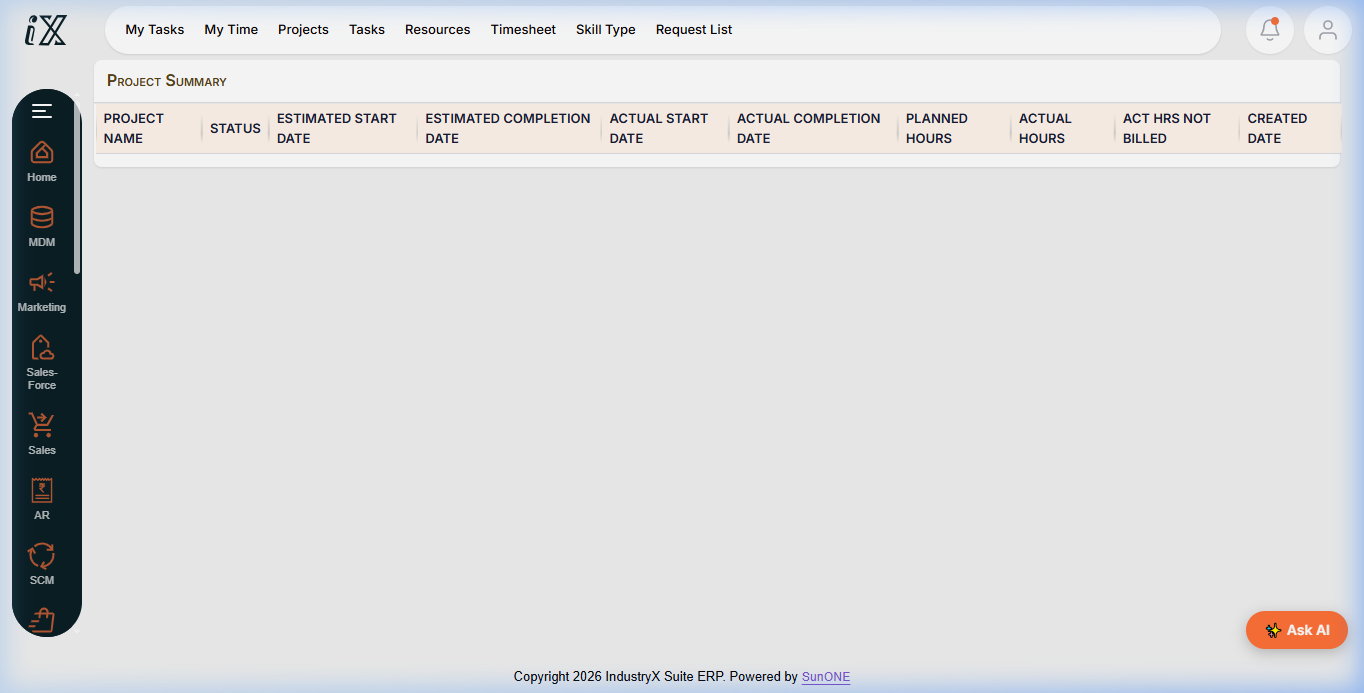
- Navigate to Project Manager > Main Overview to inspect active project portfolios, my tasks, and pending approvals.
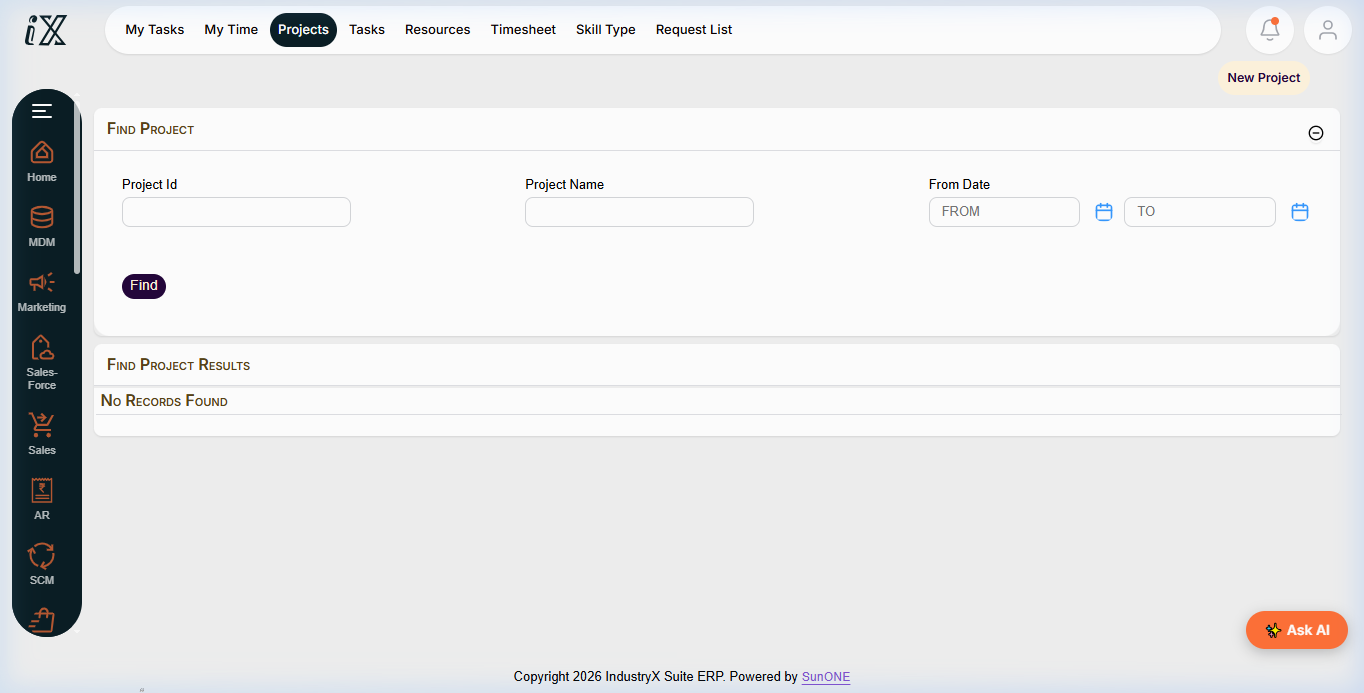
- Select Projects > Find Projects to search existing records and avoid duplicate project codes.
- Click New Project to open the project initialization form.
- Enter the Project Name (e.g.
Modular Plant Installation - Training) and select the Project Type (e.g. Capital / Internal Development). - Select the Owning Organization (e.g.
Royal Wood Creation / SunONE Technologies) and assign the Responsible Project Manager party. - Set the Planned Start Date and Target Completion Date. Leave Actual dates blank.
- Save the project header. Note the auto-generated Project ID (e.g.
PRJ10000). - Under the WBS section, add Level-1 Phase Elements (e.g.
Design & Engineering,Procurement & Fabrication,Site Commissioning). - Verify that all WBS nodes inherit the project currency, organizational unit, and initial status
Created.
Expected result
A new master project is established in Created status with structured WBS phases ready for scheduling, budget assignment, and milestone planning.
Downstream effects
The WBS acts as the cost and schedule anchor for network activities (64000), project budgeting (66000), procurement commitments (68000), and actual time bookings (70000).
Related guides
Review 60000: Bank Transaction and Reconciliation, proceed to 64000: Network Activities and Milestones, or view 62000 with screenshots.
Instructions
- Access Project Manager Main Overview to monitor project portfolio health and tasks.
- Open Find Projects to inspect existing project codes, owners, and lifecycle stages.
- Initialize a new project record, specifying scope, dates, and organizational ownership.
- Build the hierarchical Work Breakdown Structure (WBS) phases.
Downstream effects
Establishing the WBS structure provides the required foundation for network activity scheduling, resource planning, and project cost control.
Related guides
Read text instructions or proceed to 64000: Network Activities and Milestones.