
Purpose
Learn how employees record daily working hours against specific projects, tasks, or internal administration, and how supervisors review, authorize, or return timesheets in IndustryX Suite Human Resources (HR).
Instructions
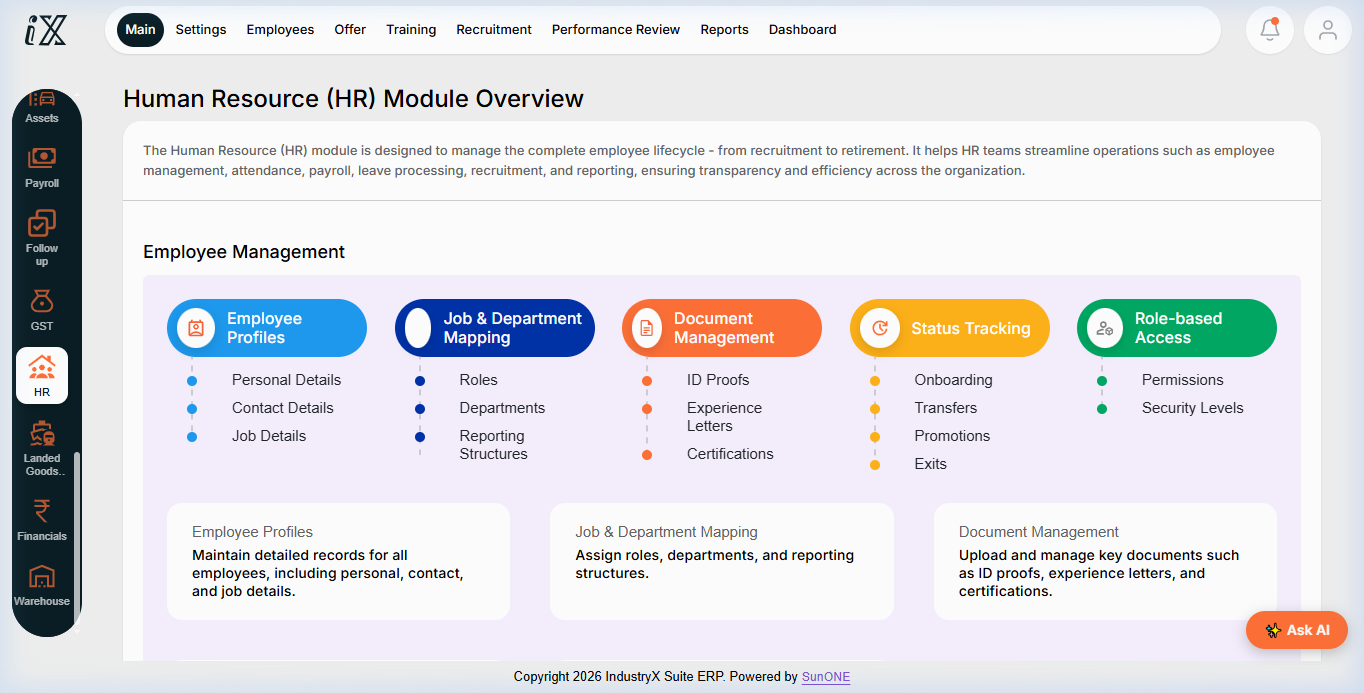
- Navigate to Human Resources > Main Overview to review the employee directory, position fulfillment, and pending HR tasks.
- Select Empl Positions or Time & Expense from the HR navigation menu.
- Open the active weekly timesheet for the designated employee party ID.
- Add a time record line:
- Project Reference: Select active project (e.g.
PRJ10000). - Task / Activity: Select specific WBS network activity (e.g.
Structural Design Review). - Time Entry Type: Regular Hours (or Overtime where applicable).
- Hours Entered: Enter daily hours (e.g.
8.0 Hoursper day, total40.0 Hours). - Comments / Work Notes: Provide concise sample work description (e.g.
Completed CAD drafting and peer review).
- Project Reference: Select active project (e.g.
- Review the weekly total hours for statutory compliance (e.g. 40 hours maximum per standard week).
- Click Submit Timesheet. Note that the timesheet status advances from
In-ProcesstoSubmitted. - Switch to the supervisor / project manager persona. Navigate to Timesheet Approvals.
- Inspect the submitted timesheet lines, verify project code assignments and hours, and click Approve.
- Confirm the timesheet status updates to
Approved.
Expected result
Timesheet records are submitted without error, verified by the responsible supervisor, and locked in Approved status.
Downstream effects
Approved timesheets instantly post direct labor hours and labor costs to Project Actuals (70000) and export into payroll processing for monthly salary calculation.
Related guides
Review 74000: Settlement and Close Readiness, proceed to 78000: Asset Maintenance Work Order, or view 76000 with screenshots.
Instructions
- Access Human Resources Main Overview to review employee administration and organizational positions.
- Open Employee Positions and Time Entry to manage timesheet logs and task assignments.
- Input actual work hours and task descriptions against authorized projects.
- Submit and approve timesheets through authorized supervisor workflow.
Downstream effects
Approved timesheets update project labor costs in real time and serve as authorized inputs for monthly payroll calculation.
Related guides
Read text instructions or proceed to 78000: Asset Maintenance Work Order.