
Purpose
Learn how to conduct pre-closure validation audits, settle accumulated project Work-in-Progress (WIP) costs to receiving Cost Centers or Capital Fixed Assets, and execute formal project closure in IndustryX Suite ERP.
Instructions
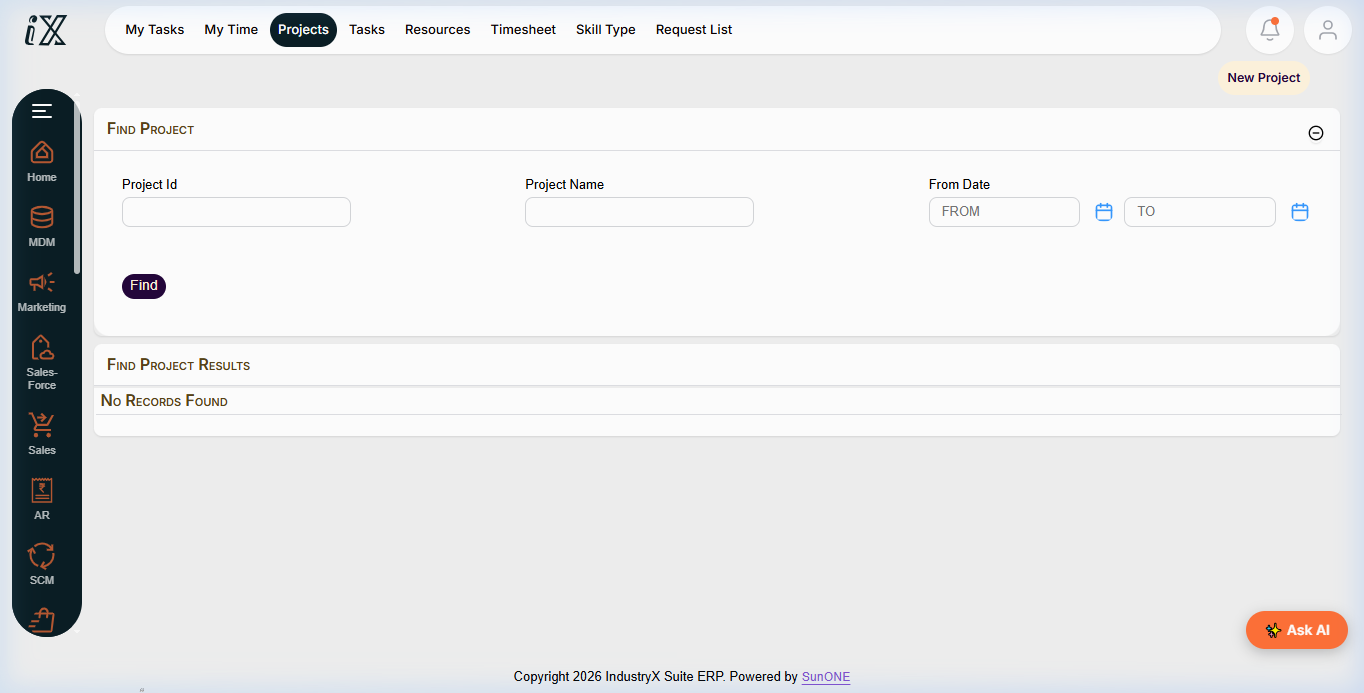
- Navigate to Project Manager > Find Projects and select the target project.
- Run the Close Readiness Audit to verify that all prerequisite operational items are complete:
- Open Purchase Orders: Must be
0(all goods received and invoiced or remaining lines closed). - Timesheet Submissions: All submitted time cards must be fully approved and posted.
- Inventory Issues: No pending material issue reservations or draft store requisitions.
- Billing / Receivables: All customer milestone invoices must be generated and posted.
- Open Purchase Orders: Must be
- Transition Project Status from
Releasedto Technically Completed (TECO). This stops further operational bookings while allowing accounting settlement. - Inspect the configured Settlement Rule:
- Capital Project: Settle 100% of accumulated WIP to Asset Under Construction (AUC) or final Fixed Asset (e.g.
FA10012- Modular Machine). - Expense Project: Settle accumulated costs to Department Cost Center (e.g.
CC100 - Manufacturing Operations).
- Capital Project: Settle 100% of accumulated WIP to Asset Under Construction (AUC) or final Fixed Asset (e.g.
- Execute the Project Settlement Run for the fiscal period in test mode first, verify balanced debit/credit distribution, then post live.
- Verify that the net project financial balance is now exactly
0.00. - Execute final status change to Closed (CLSD). Verify that no further transactions, commitments, or changes can be applied to the closed project.
Expected result
Accumulated project costs are cleanly transferred to final receiver assets or cost centers, leaving a zero net project balance, and the project record is locked in Closed status.
Downstream effects
Capital project settlement capitalizes new Fixed Assets (78000), initiating automated monthly depreciation in General Ledger (56000).
Related guides
Review 72000: Budget Availability Control, proceed to 76000: Enter and Approve Time, or view 74000 with screenshots.
Instructions
- Review project search and status filter to identify candidate projects ready for closure.
- Execute close-readiness checks: verify commitments are zero and all actual costs are validated.
- Transition project status to Technically Completed and run accounting settlement to receiver cost centers or fixed assets.
- Finalize project status to Closed.
Downstream effects
Formal project closure locks records against tampering and ensures audited asset capitalization and period-end integrity.
Related guides
Read text instructions or proceed to 76000: Enter and Approve Time.