
Purpose
Learn how IndustryX Suite ERP protects organizations against unapproved capital or project cost overruns by automatically intercepting purchase requisitions, orders, and expenses in real time against approved WBS budget limits.
Instructions
- Navigate to Project Manager > Find Projects and open the project financial workspace.
- Inspect the Assigned Budget formula:
Assigned Budget = Incurred Actuals + Open Commitments (POs & PRs)
- Calculate available budget headroom:
Available Budget = Released Budget - Assigned Budget. - Execute a controlled test transaction:
- Case A (Within Tolerance - <80%): Submit a PO for ₹50,000 against a WBS with ₹200,000 available budget. The transaction posts seamlessly.
- Case B (Warning Threshold - 80% to 99%): Submit a PO line that pushes total assigned budget to 85%. The system issues an advisory warning to the buyer and sends a notification to the project manager while permitting save.
- Case C (Budget Exceeded - ≥100%): Attempt to submit a PO line that exceeds 100% of the allocated WBS budget. The system immediately triggers a hard error:
"Budget Availability Control: Budget exceeded for WBS Element [Procurement & Fabrication]. Transaction blocked."
- Verify that the blocked transaction cannot be approved or converted into a legal commitment without a formal Budget Supplement or Reallocation workflow.
Expected result
The system reliably enforces budget tolerance limits, providing early warnings at threshold levels and completely blocking unauthorized purchase orders that exceed available funds.
Downstream effects
Enforced budget availability control guarantees financial discipline, eliminates surprise cost overruns, and ensures clean project settlement (74000).
Related guides
Review 70000: Review Project Actuals and Time, proceed to 74000: Settlement and Close Readiness, or view 72000 with screenshots.
Instructions
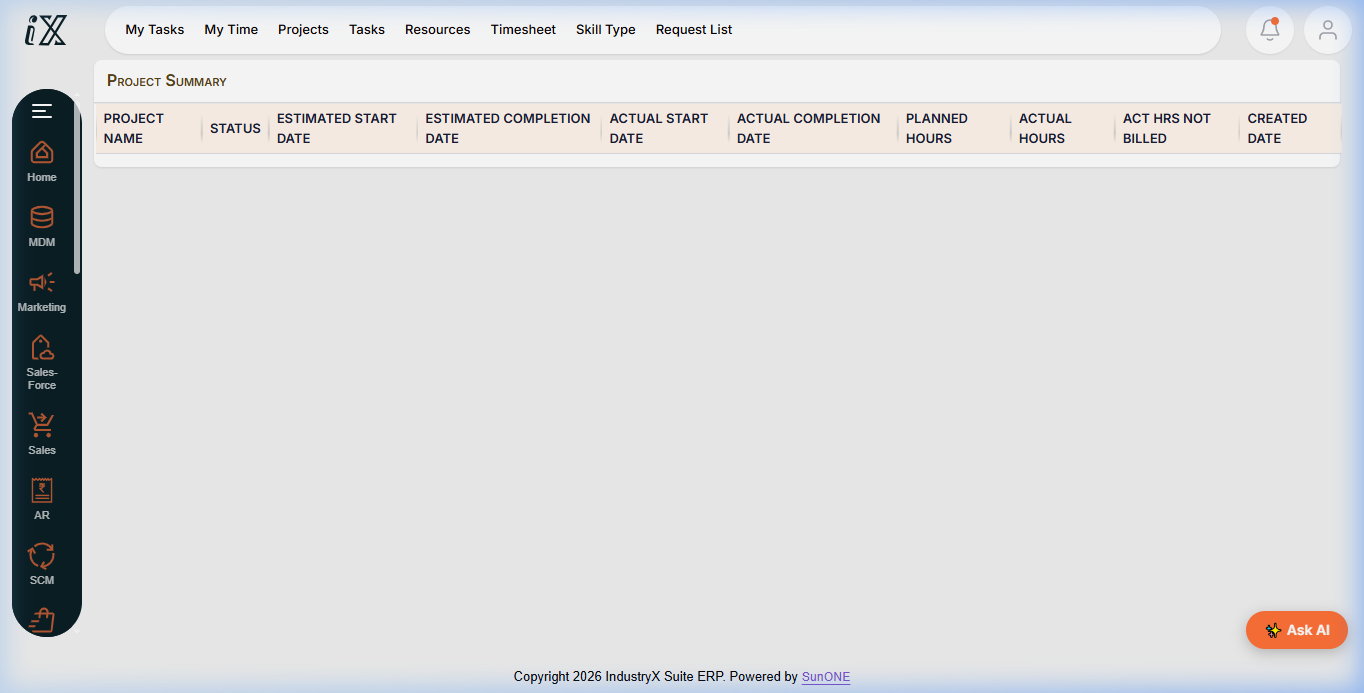
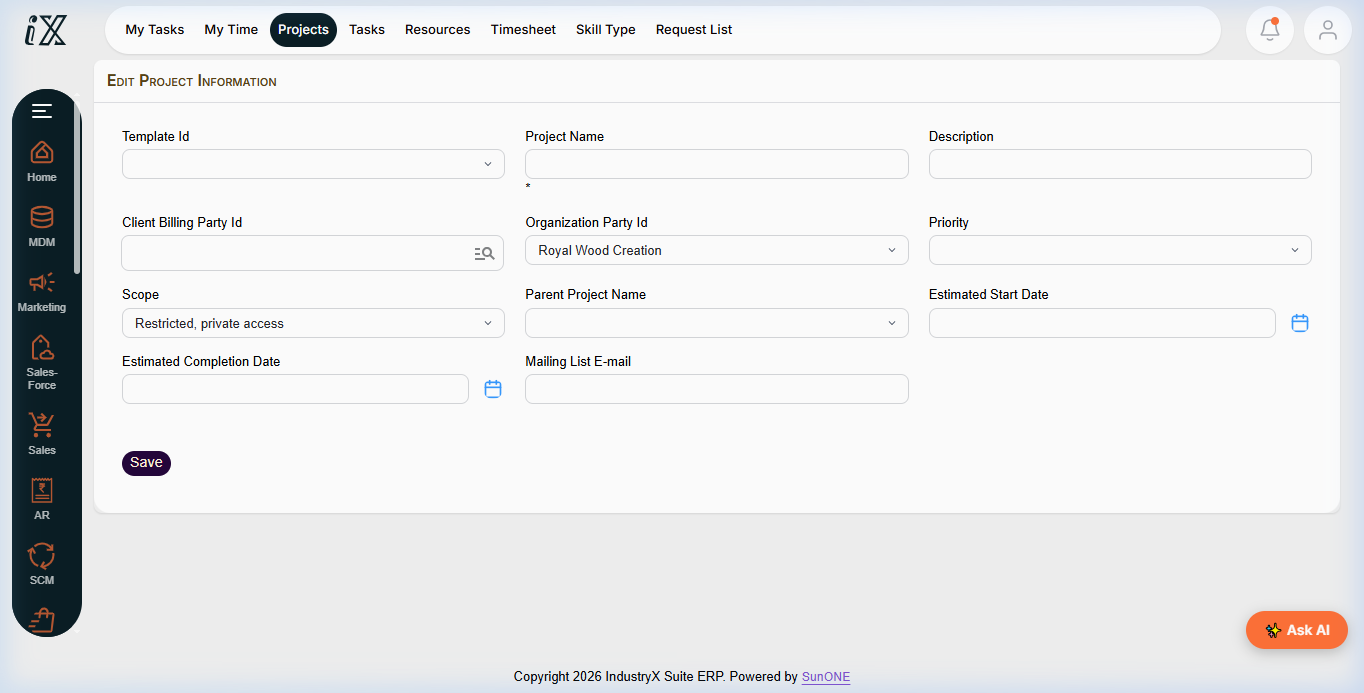
- Review active budget availability tolerances and current WBS budget consumption.
- Test transaction submissions within approved budget headroom.
- Observe warning and hard blocking behavior when transactions exceed budget limits.
Downstream effects
Automated availability control prevents cost overruns at point of purchase and guarantees projects stay within approved budgets.
Related guides
Read text instructions or proceed to 74000: Settlement and Close Readiness.