
Purpose
Learn how to trace and reconcile actual incurred expenditures—including direct labor hours booked by project team members, consumed warehouse inventory, and approved subcontractor bills—against planned WBS budgets in IndustryX Suite ERP.
Instructions
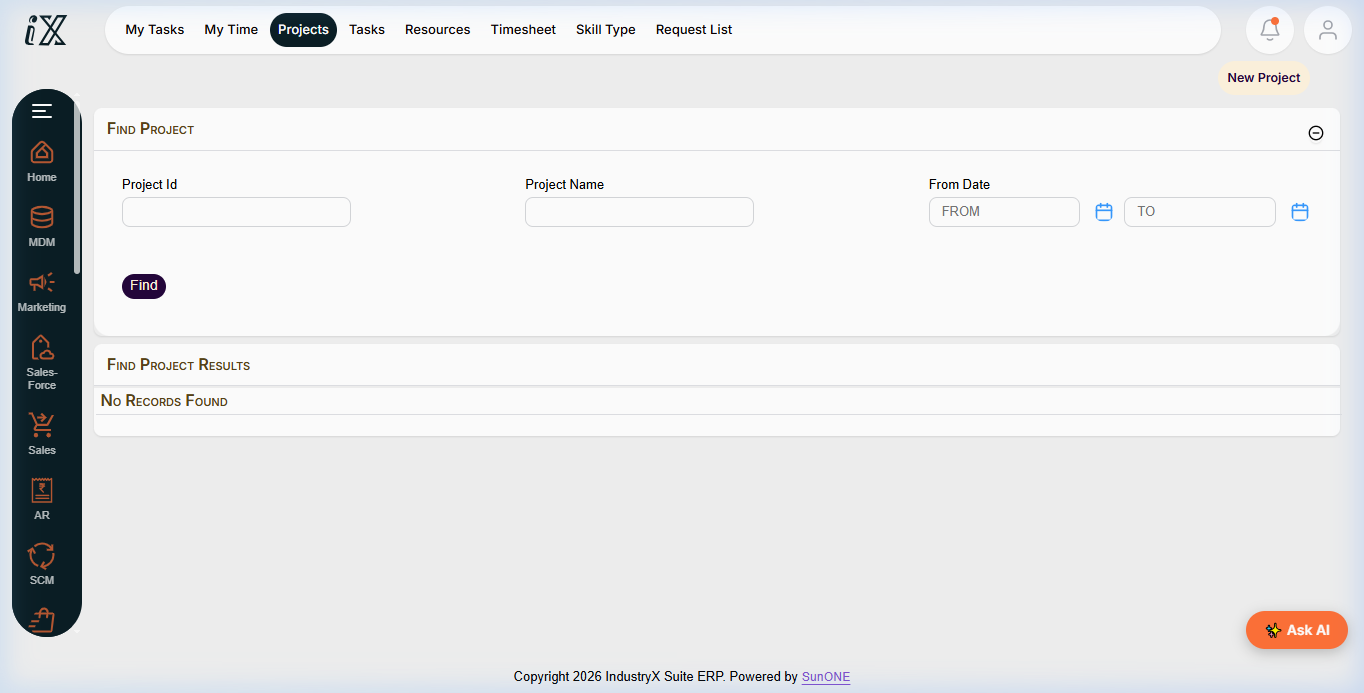
- Navigate to Project Manager > Find Projects and open the active project workspace.
- Select the Actuals & Cost Tracking (or Financials > Cost Summary) tab.
- Review the incurred actual cost categories:
- Labor Hours & Cost: Actual hours logged via employee timesheets multiplied by standard activity labor cost rates.
- Material Issues: Cost of raw materials and components issued from Pune Main Warehouse to project tasks.
- Vendor Invoices: Posted accounts payable supplier bills matched against project purchase orders.
- Other Direct Expenses: Approved travel, equipment rental, or miscellaneous project disbursements.
- Click on individual cost line items to drill down to the originating source documents (e.g. Timesheet batch ID, Goods Issue note, AP Invoice ID).
- Verify that commitment values decrease proportionately as supplier invoices convert commitments into actuals, preventing double-counting.
- Compare Total Actual Costs against the Released Baseline Budget to evaluate Cost Variance (CV) and Schedule Variance (SV).
Expected result
All incurred operational costs and labor hours are fully accounted for, balanced against source documents, and accurately benchmarked against the WBS budget baseline.
Downstream effects
Reconciled project actuals feed directly into Budget Availability Control (72000), client milestone billing, and final project settlement (74000).
Related guides
Review 68000: Link Procurement to a Project, proceed to 72000: Budget Availability Control, or view 70000 with screenshots.
Instructions
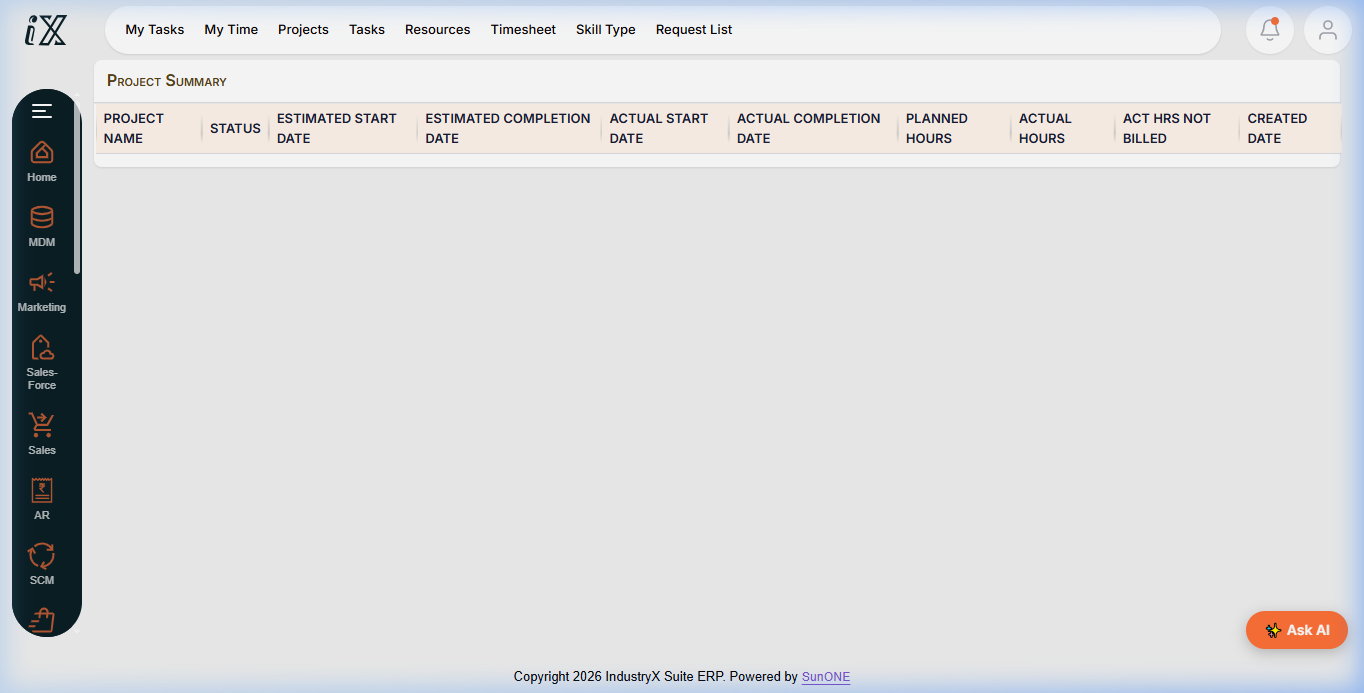
- Access the project workspace and locate the actual cost and time tracking overview.
- Inspect labor hours booked against specific WBS tasks and activities.
- Review materials consumed and supplier invoices matched to project commitments.
- Drill down to originating source vouchers to audit discrepancies.
Downstream effects
Accurate actual cost tracking provides the basis for client invoicing, cost variance analysis, and period-end settlement.
Related guides
Read text instructions or proceed to 72000: Budget Availability Control.