
Purpose
Learn how to procure materials, specialized tooling, or subcontracted services directly for a specific capital or client project, tagging procurement documents with WBS account assignments to establish real-time committed cost tracking in IndustryX Suite ERP.
Instructions
- Verify that the target Project (e.g.
PRJ10000) and its sub-WBS node are inReleasedstatus and eligible to receive commitments. - Navigate to Procurement > Purchase Orders > New Order (or start from a Project Purchase Requisition).
- Select the approved sample supplier (e.g.
S10000- Sample Supplier Ltd) and verify currency (INR). - Add the required material line item (e.g.
GZ-2644), quantity (e.g.10 EA), and agreed unit price. - Under the Account Assignment / Project section of the order line:
- Select Account Assignment Category:
Project / WBS - Enter or select the Project ID:
PRJ10000 - Select the specific WBS Element:
Procurement & Fabrication
- Select Account Assignment Category:
- Review order lines and submit for approval. Upon authorization, note the generated Purchase Order ID (e.g.
PO10045). - Switch to Project Manager > Project Details > Commitments and verify that the PO line amount immediately registers as a Committed Cost against the target WBS budget.
Expected result
The purchase order is successfully created with explicit WBS tracking, creating an immediate committed cost liability that consumes allocated project budget without posting financial actuals until goods receipt/invoice.
Downstream effects
Project commitments protect against double-spending under budget availability control (72000) and later convert to project actuals upon goods receipt (24000) and supplier invoice posting (26000 / 70000).
Related guides
Review 66000: Plan Budget and Release Project, proceed to 70000: Review Project Actuals and Time, or view 68000 with screenshots.
Instructions
- Verify the project WBS status is in Released state and ready to accept account assignments.
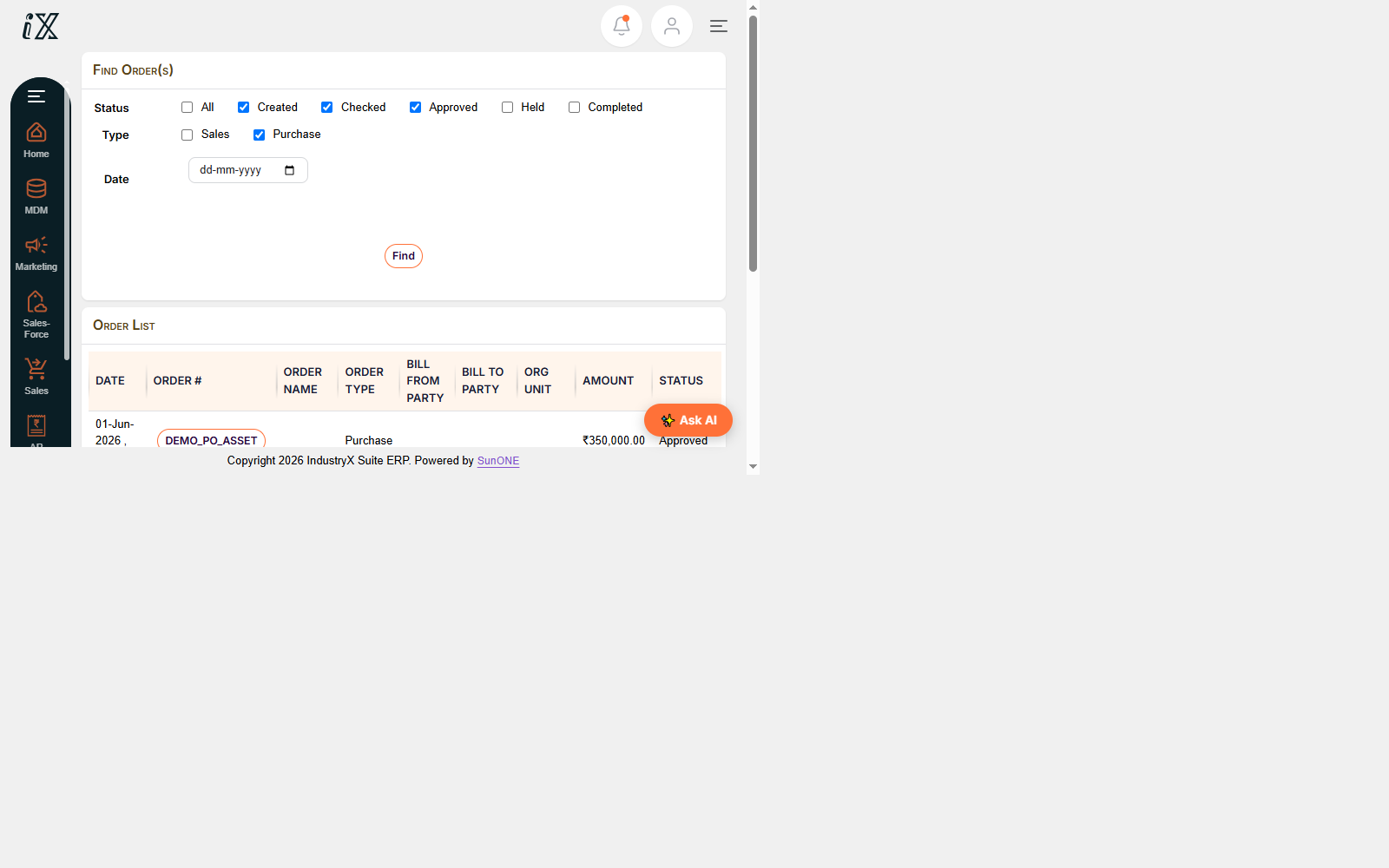
- Create a purchase requisition or purchase order specifying the Project and WBS account assignment.
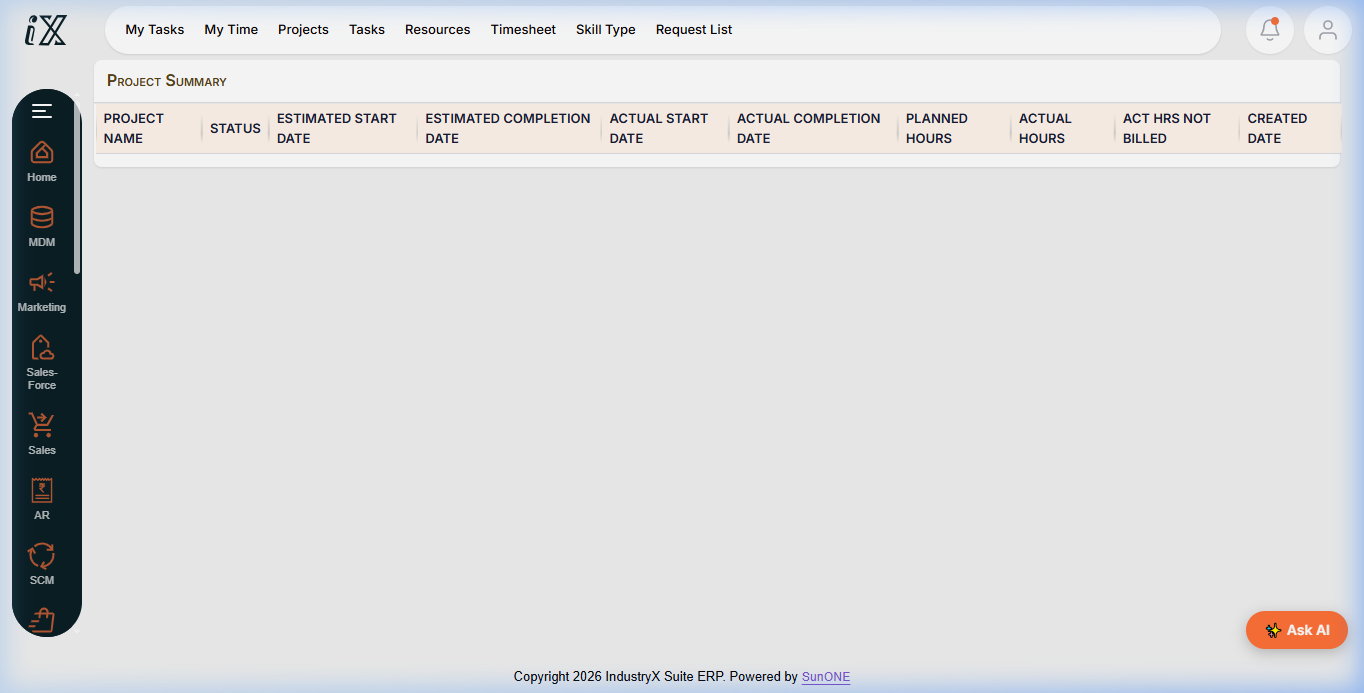
- Submit order for approval and confirm committed cost reflection within Project Manager.
Downstream effects
Committed procurement costs feed into project budget availability control, preventing unplanned commitments.
Related guides
Read text instructions or proceed to 70000: Review Project Actuals and Time.